

Schools, colleges and universities
Every chapter of learning, in one place.
From a first day at school to a final-year project: classes, homework and marks, parents kept in the loop, sections and teaching assistants, timed exams and group work, with a tutor that helps without doing the work. And every student can make it theirs.
School edition
A school day, without the paperwork.
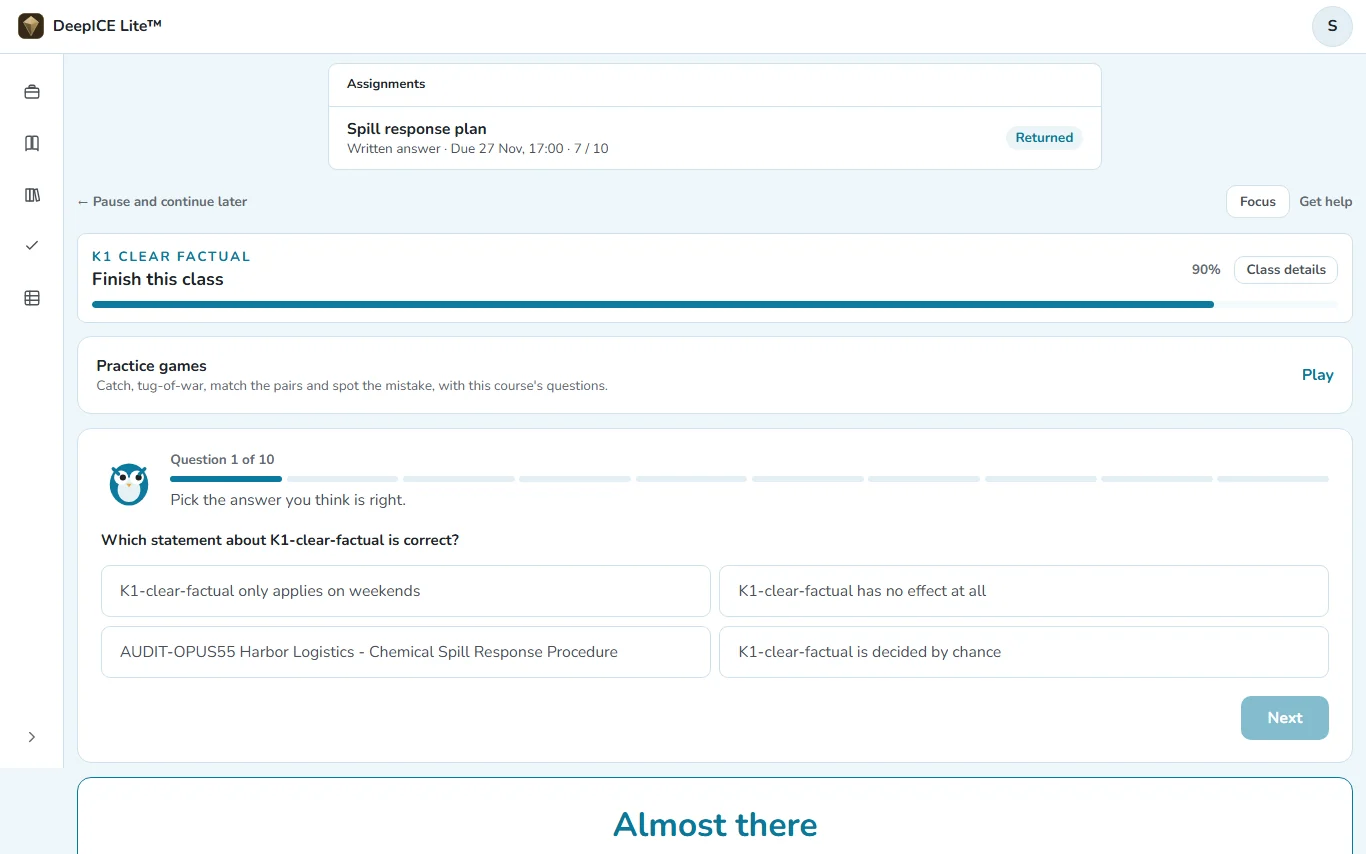
Teachers set work on a class, students hand it in, teachers mark it with a rubric and return it. Parents see what matters, and the school stays in control of safety.
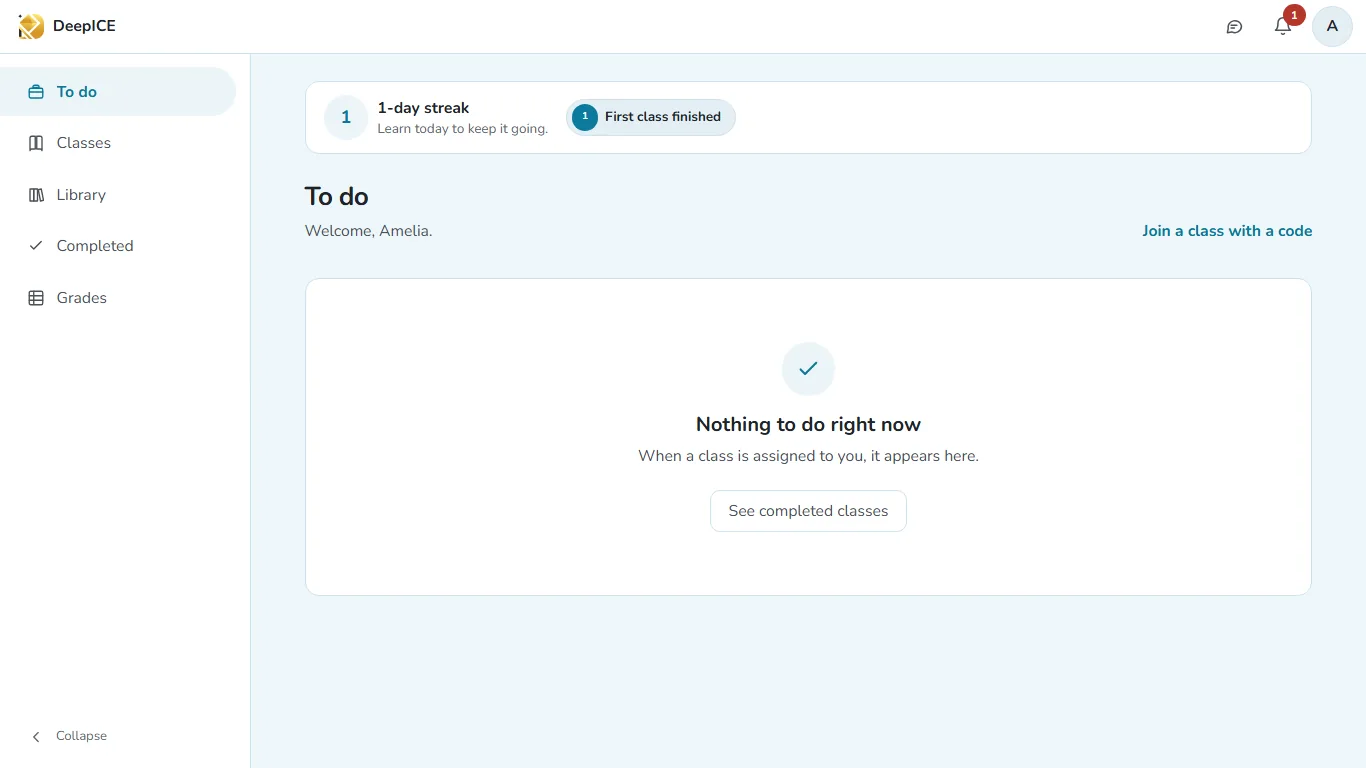
- Classes, homework and a gradebook, with marks typed straight into cells.
- Attendance and report cards released per term, printed one student to a page.
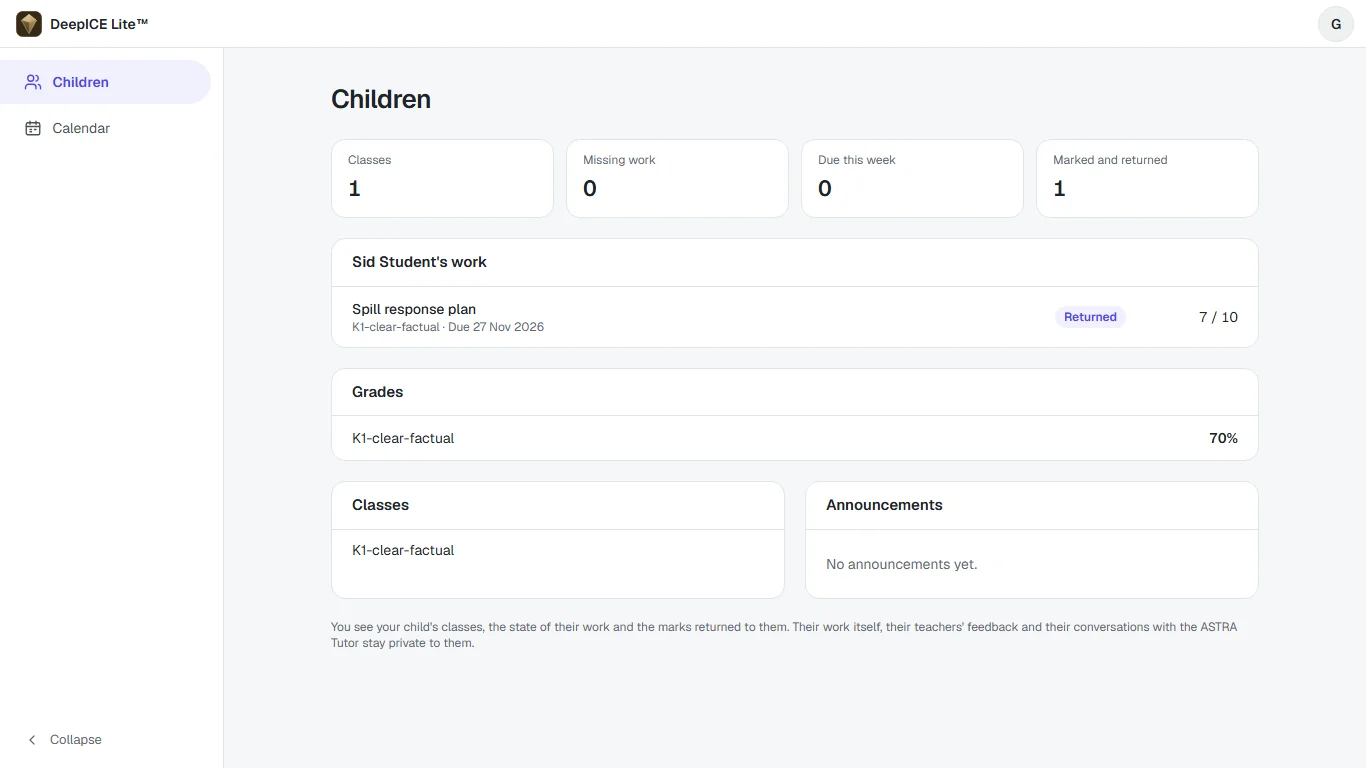
- Parents and guardians linked to their children, with a weekly summary and their own calendar.
- Guardian consent for every student under 13, recorded and audited.
Child safety
Built for children from the first line.
A Child safety card in Settings holds the school's safeguarding contact, the Tutor's strict mode and voice for under-13s.
A safeguarding contact
Required before the Tutor is switched on. Safety concerns reach them with only the message that raised them.
Strict Tutor mode
On by default: contact details a student types never reach the AI, answers carry no links, off-topic requests are declined.
No private messages
Spaces are off until the school turns them on, and then every message is seen by moderators.
No public profiles
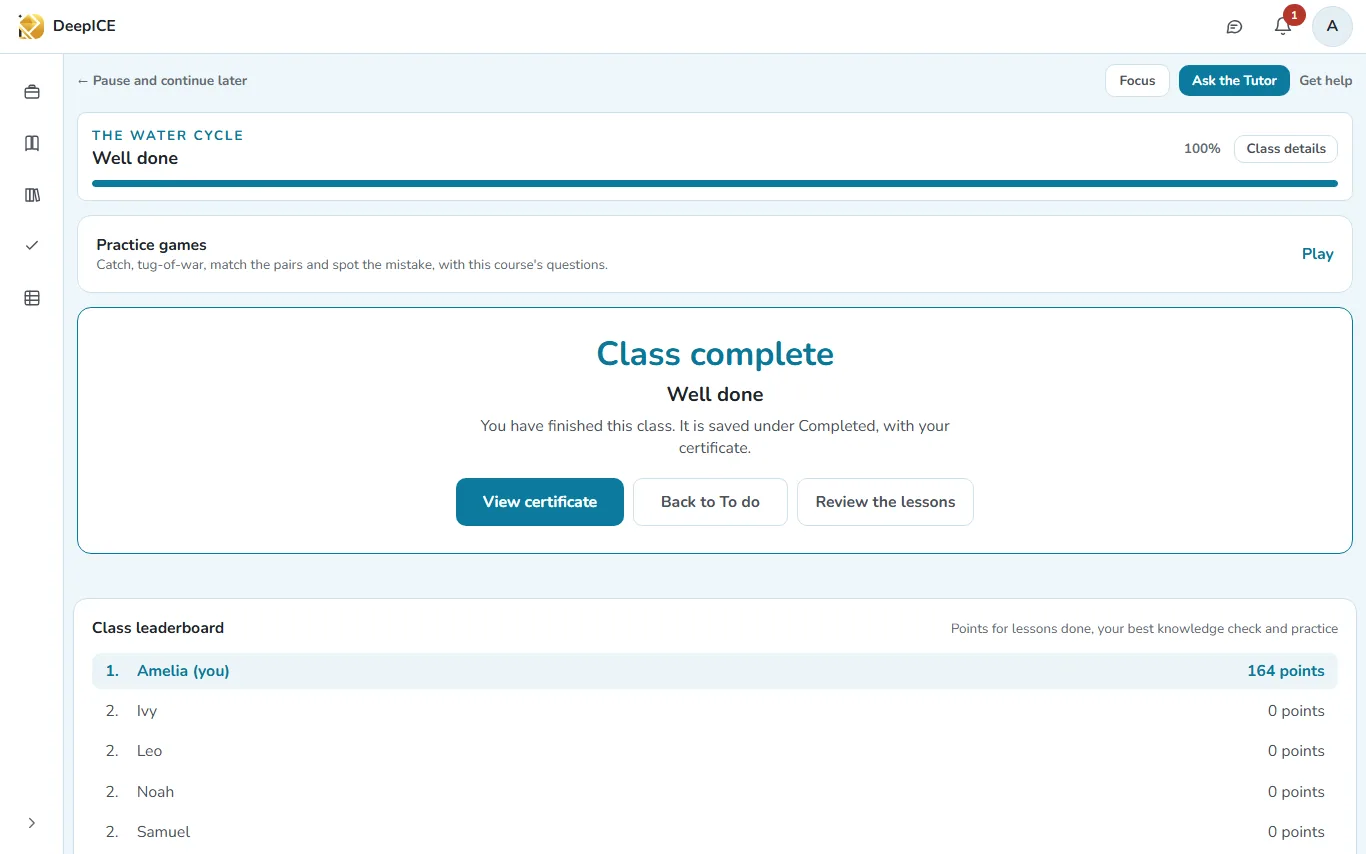
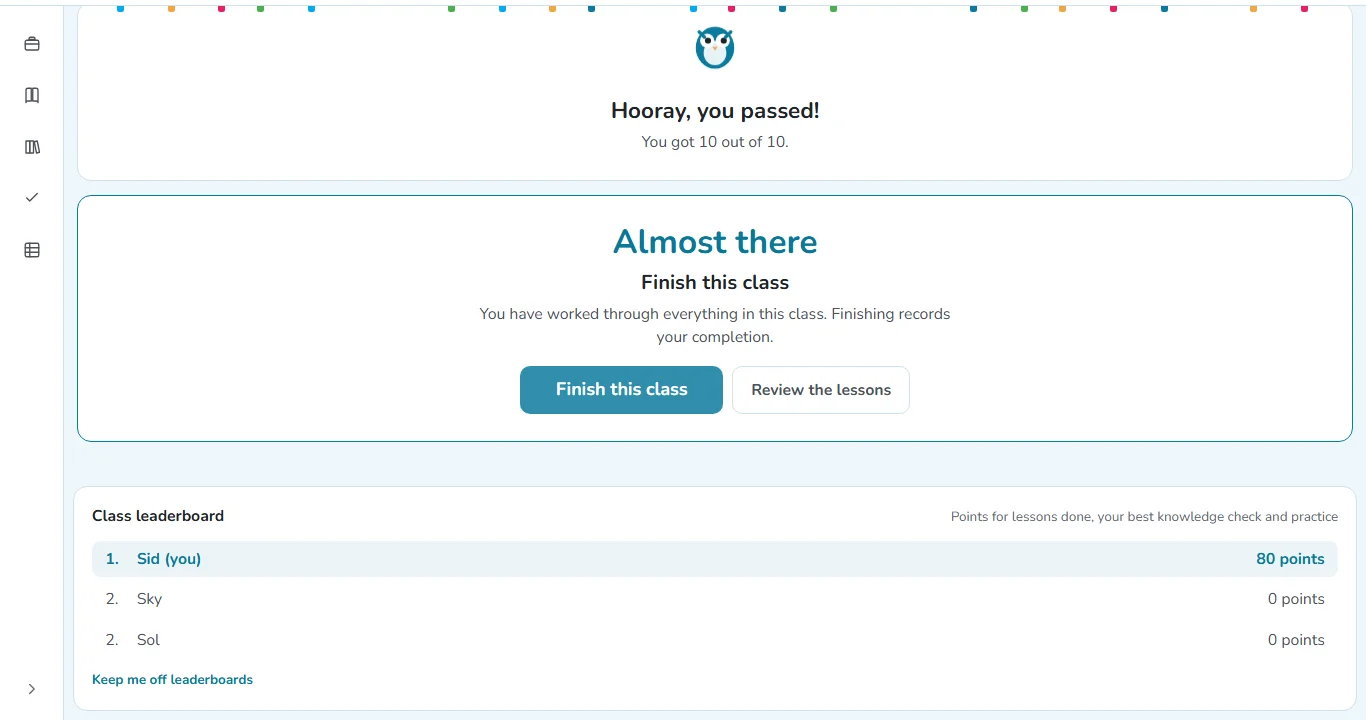
Leaderboards stay within a class, use first names, and any student can step off.
Voice off for under-13s
Unless the school allows it.
Badges never by email
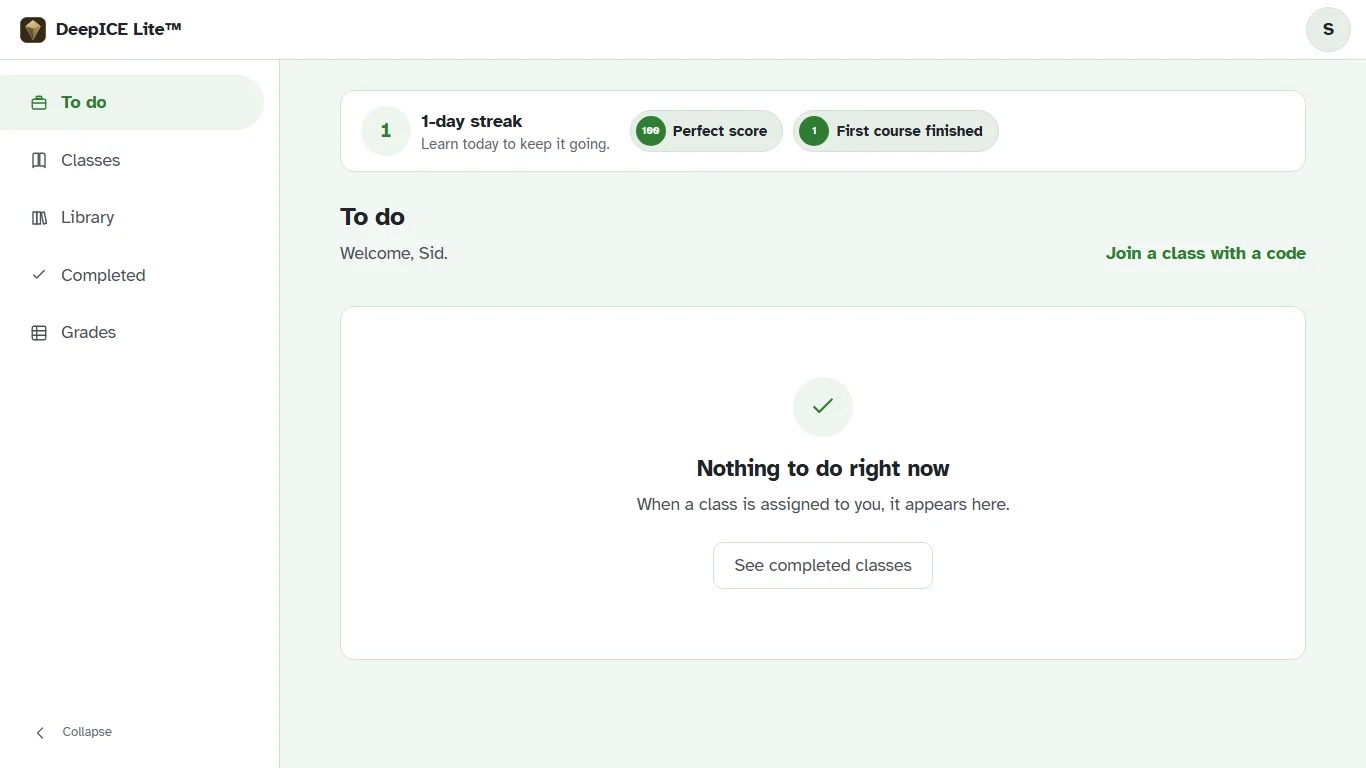
Students' badges and streaks stay inside DeepICE.
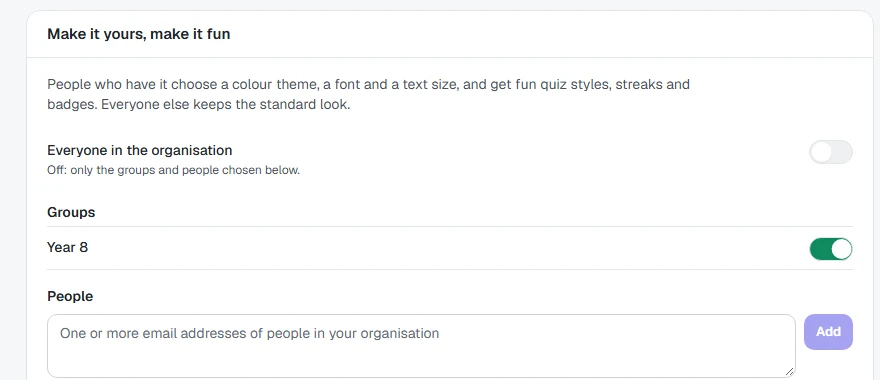
Make it yours, make it fun
Learning students want to come back to.
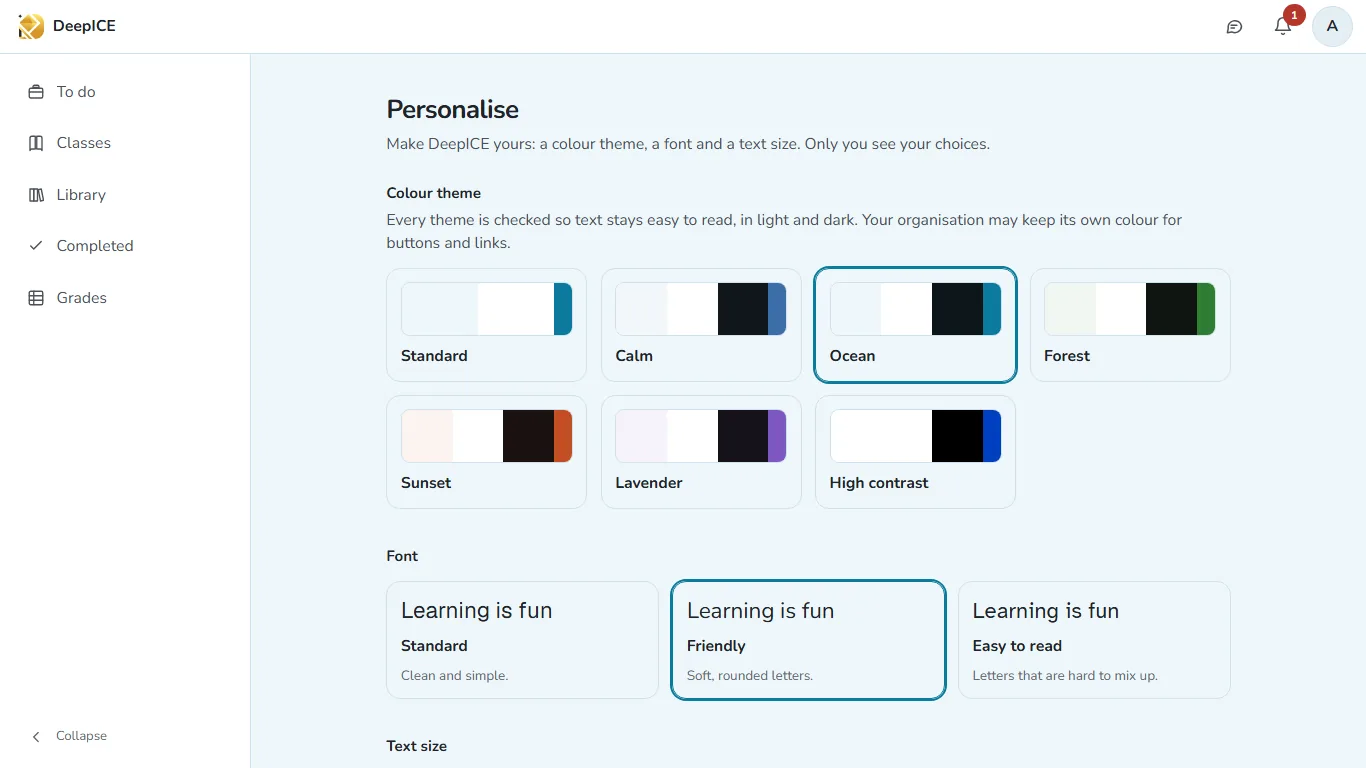
Granted by the school, to everyone, to year groups or to students. Each one gets to make DeepICE theirs and to make practice feel like play, inside the school's own rules.
College and University edition
Higher education, at the right altitude.
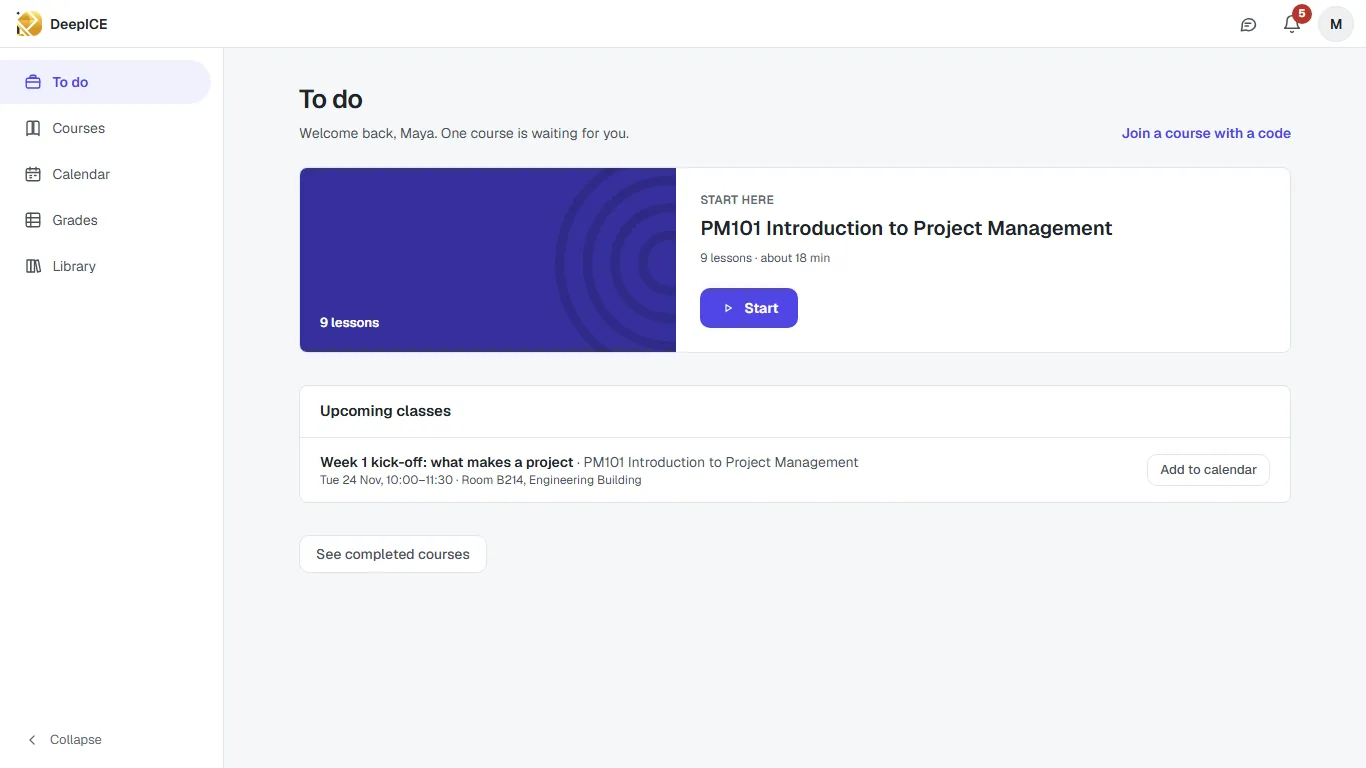
Programmes, courses, sections and credits; lecturers with teaching assistants; rubrics, extensions and timed exams; a weighted gradebook and an export for the student records system.
- Teaching assistants who mark, return work and take attendance for their sections only.
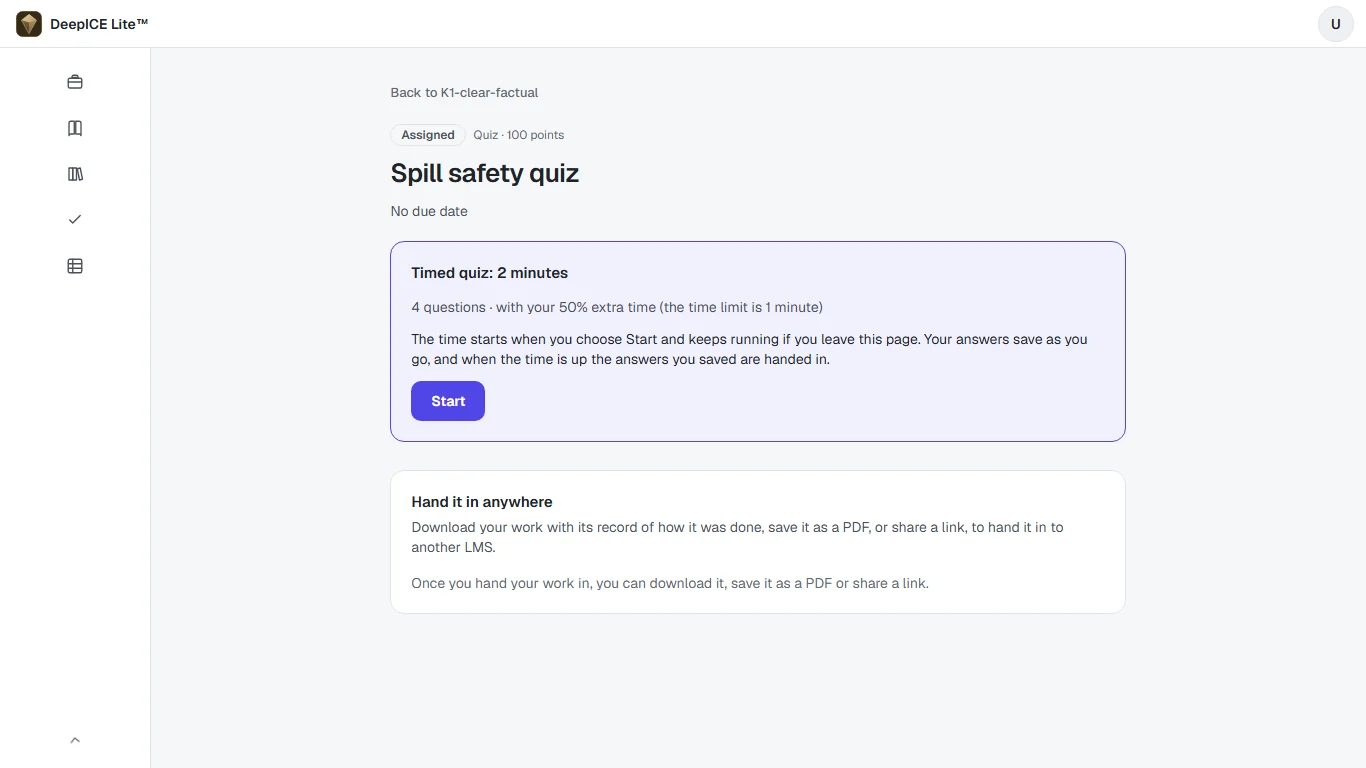
- Timed exams from question banks, with extra time per student applied automatically.
- Project rooms and group assignments, with each member's contribution on record.
- SAML and LTI 1.3, with grades and class lists flowing both ways.
For students with the ASTRA Tutor
Test Prep and Project Coach: ready for the test, and the project.
Students who have the ASTRA Tutor get both, from their own courses and their teachers' assignments, with the rubric as the checklist. The school can switch either off, child safety still applies, and practice results are the student's own.
A ladder of practice quizzes
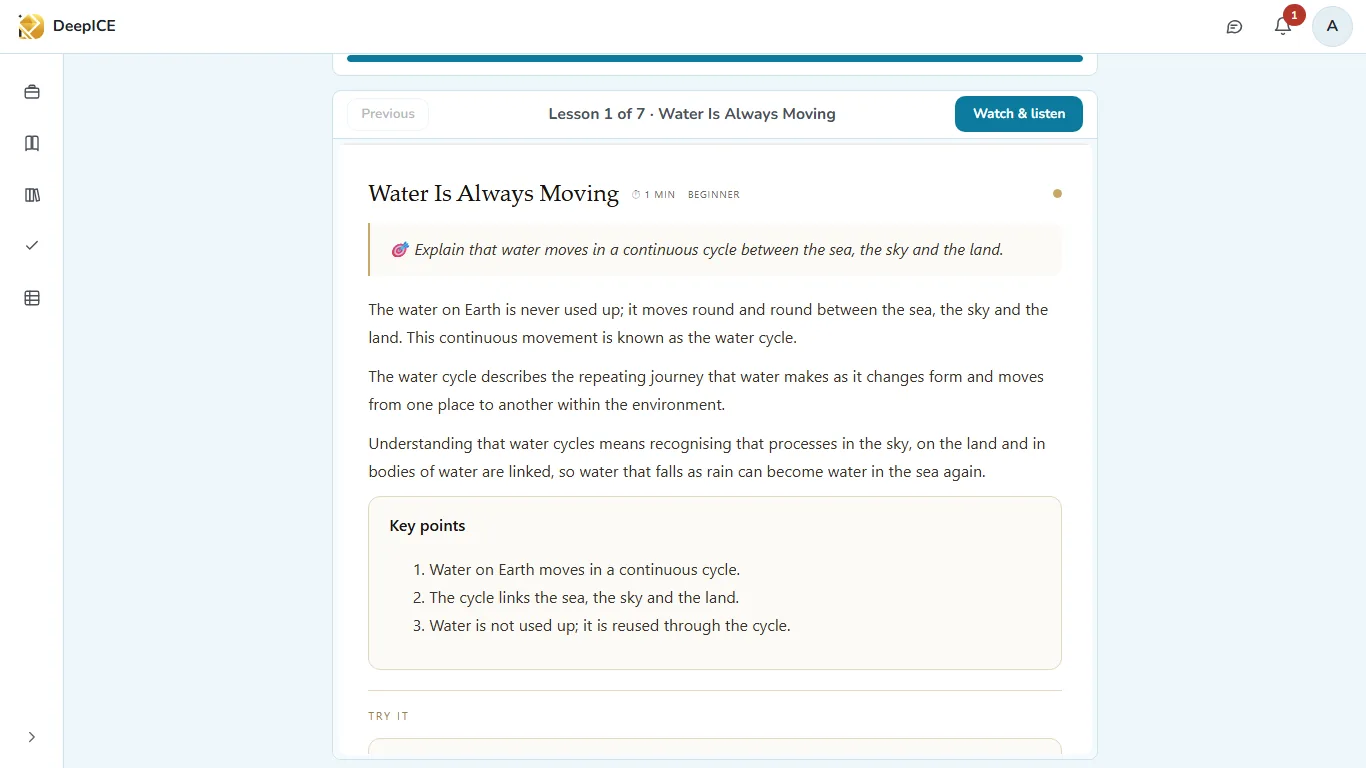
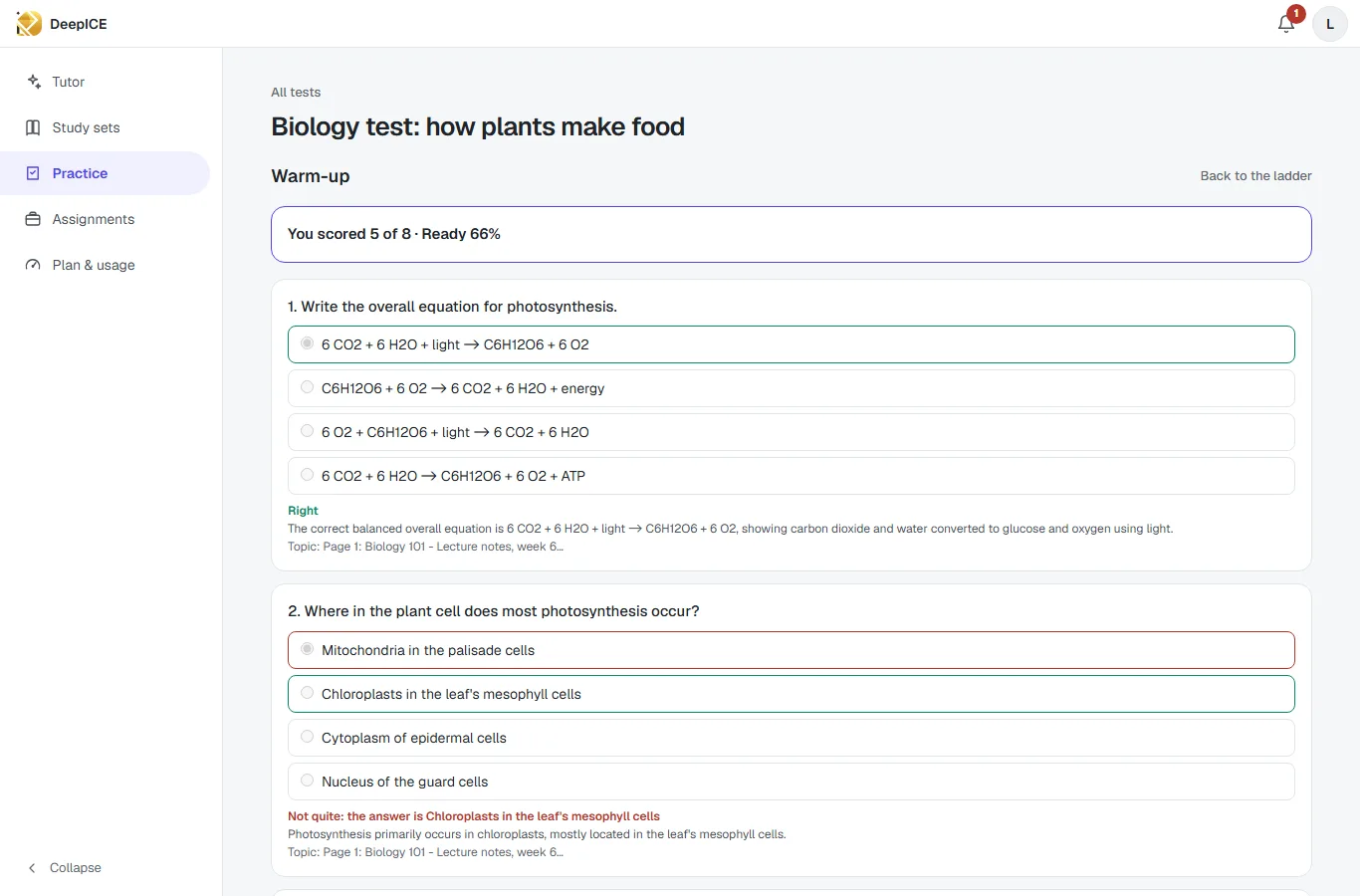
Add a test and its date: ASTRA writes a warm-up, three practice quizzes that get harder and a timed mock test, from the student's own material, marked with the reason for every answer.
A Ready score
Each topic's score from the latest tries, weakest first, with what to revise next and a suggested day for each quiz up to the test.
More like your past quiz
Paste or upload a past quiz or worksheet; ASTRA writes new questions in the same style, never the original's answers.
From brief to checklist
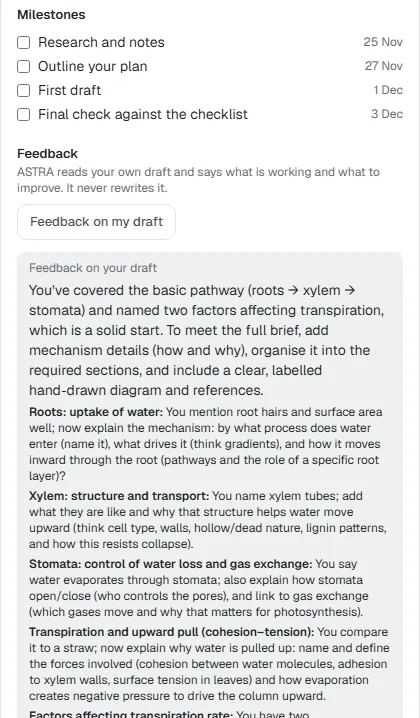
Project Coach turns the brief and the teacher's rubric into a checklist of what will be marked, with milestones to the due date.
Structure, never ready-made text
The shape of an essay, lab report, research project, presentation or poster: each part's purpose and the questions to answer. Students write every word.
Feedback and rehearsal
Feedback on the student's own draft against the checklist, never a rewrite, and a presentation rehearsed out loud with feedback on clarity, timing and structure.
Joining
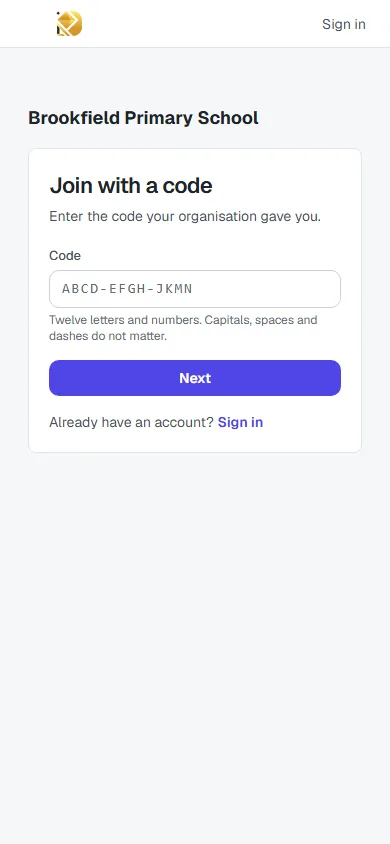
Bring a whole year group in with one code.
The school's administrator sends learner codes; teachers turn on class codes once they are allowed to. Students join from a phone in a minute, with their date of birth, and guardian consent when they need it.
- Codes shown once, stored safely, limited by date, uses and the school's email domains.
- The school's own address, so students sign in where they belong.
Answers
For schools and universities
Straight answers, before a demonstration. Anything else: info@aisworld.com.
Can children under 13 use DeepICE?
Yes, in the School edition. A student under 13 waits at a friendly page until a parent or guardian gives consent, by an emailed link, from their own account, or recorded by the school, and the consent is kept on record.
Can parents see what their child is doing?
Parents and guardians see each child's classes, work and its state, marks returned, attendance and announcements, and receive a weekly summary. They never see the work itself, feedback or Tutor conversations.
Does DeepICE work with our LMS?
Yes. Students and teachers open DeepICE from Moodle, Canvas, Blackboard, Brightspace or Schoology through LTI 1.3, with grades sent back to the LMS gradebook and class lists brought in. Google Classroom and Microsoft Teams are supported too.
Can students use the Tutor to do their homework?
No. On assignments the Tutor guides with questions and hints and a check on the server stops it giving answers. Every piece of work carries a record of how it was done, including the Tutor's help as counts and topics.

Request a demo
See it with your classes.
Bring a unit, a syllabus or a slide deck. We will show it as a class for teachers, students and parents, with the Tutor and child safety switched on.